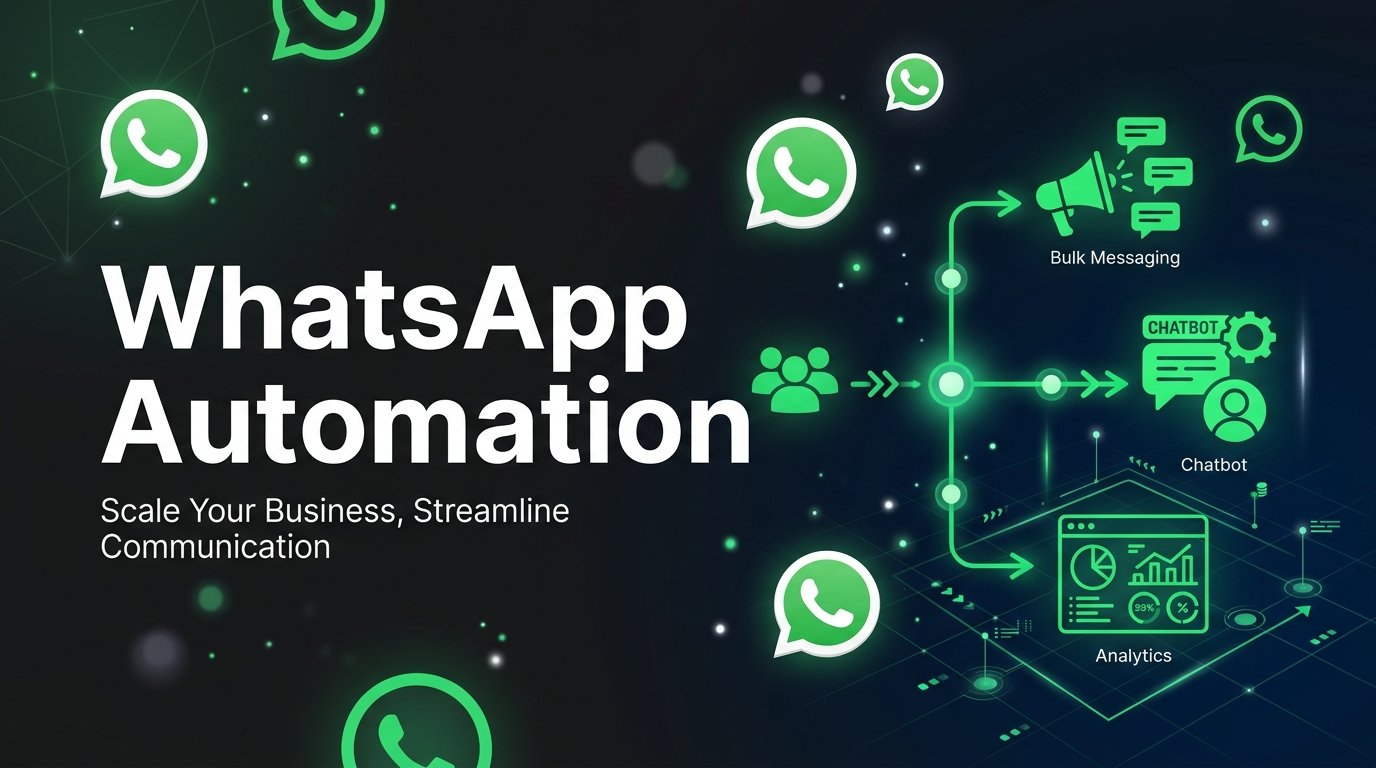
WhatsApp is the most widely used messaging platform in India with over 500 million active users. For Indian businesses, it has become the primary channel for customer acquisition, support, and retention. In 2026, Meta's WhatsApp Business Cloud API makes it possible for any business to integrate WhatsApp communication at enterprise scale.
What Is the WhatsApp Business Cloud API?
The WhatsApp Business Cloud API is Meta's official, hosted API solution that lets businesses send messages, manage contacts, and automate conversations programmatically — without needing to host any infrastructure.
Unlike the old On-Premises API, the Cloud API is:
- Hosted by Meta — no servers to manage
- Free to use — you only pay Meta's per-message conversation fees
- Instantly scalable — handles millions of messages without configuration
Message Types You Can Send
1. Template Messages (HSM) Pre-approved message templates used for outbound notifications. These require Meta approval and must fall into one of three categories: - **Marketing** — promotional campaigns and offers - **Utility** — order confirmations, delivery updates - **Authentication** — OTPs and login codes
2. Session Messages Free-form messages sent within a 24-hour customer service window after a customer messages you first. No template required.
How Bulk Broadcasting Works
- Upload contacts as XLSX with name, phone, and optional variables
- Select an approved message template
- Schedule or send immediately
- Monitor delivery rates in real time
Compliance & Anti-Spam Rules
WhatsApp enforces strict quality ratings. If too many users report your messages or your block rate exceeds a threshold, your number can be restricted.
Best practices:
- Only message customers who opted in
- Personalize messages with customer name and relevant context
- Respect opt-out requests immediately
Getting Started in India
To use the WhatsApp Business Cloud API in India, you need:
1. A Meta Business Manager account verified with your company details
2. A dedicated phone number not previously registered on WhatsApp
3. A WhatsApp Business Account (WABA) approved by Meta
4. A platform like Jaipur Tech Chat ([chat.jaipurtech.in](https://chat.jaipurtech.in)) to manage your messaging
Our team at Jaipur Tech can have you live on the official API within 24-48 hours.